









Compatible with macOS 26 Tahoe and Apple M1, M2, M3, M4, M5 chips
CrossDriver’s XFS for Mac disk read/write tool
Use the excellent XFS for Mac software to freely read, add, delete, edit, rename, and write files on Linux XFS partitions/disks in macOS and Mac OS X without formatting.
 Download Now
 System Requirements
macOS 10.13-26.x
Average User Rating
 Rated 4.8 by 129 users
 Latest Release
XFS For MAC V26.0.0.1
2026-03-30 14:16:07
2026-03-30 14:16:07
Mac 版 XFS 读写工具
This is a lightweight utility designed for macOS that breaks system limitations to provide full read/write control over Linux XFS disks. Quickly mount/unmount disks from the menu bar, freely edit, copy, or delete XFS drive contents in Finder, achieving efficient interoperability between Mac and Linux without reformatting. It also integrates disk management functions, supporting safe eject and basic disk check prompts, making it an efficient cross‑platform data exchange solution.
 Buy Now
 Automatically enable writing to XFS drives after installation

1.Install
Download and install CrossDriver XFS for macOS on your Mac.

2.Connect
Connect Linux XFS disk/partition devices to your Mac.

3.Complete
You can now quickly move, write, copy, save, and delete files on Linux XFS volumes on your Mac.
How to Install
How to Uninstall
Just one click to install quickly
Automatically read and write XFS disks immediately after installation
-
1
-
2
Install
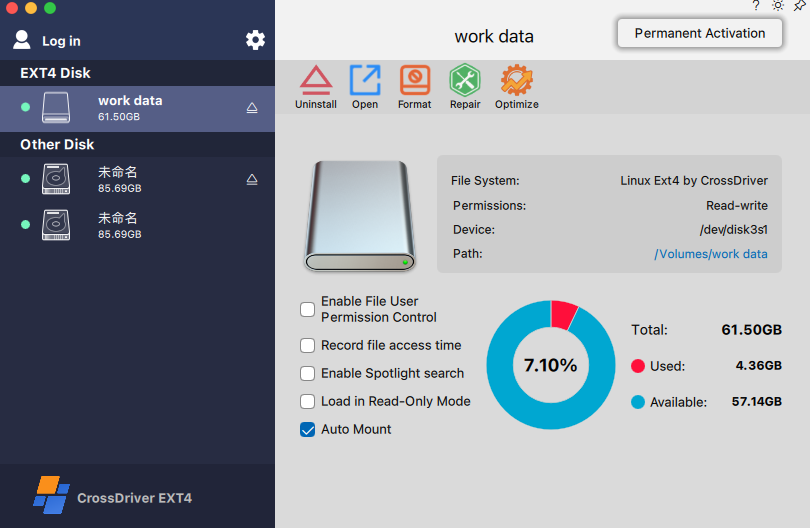
Double‑click the .pkg installer > Install, then follow the on‑screen instructions to install this XFS driver on your Mac.
-
3
Get Started
Directly edit files on XFS drives connected to your Mac or add files to the drive.
Uninstallation
Uninstall CrossDriver XFS For Mac
-
1
Back up and keep your activation code safe
Copy and save the activation code for reuse on this computer, or deactivate the activated device for use on another device.
-
2
Start Uninstall
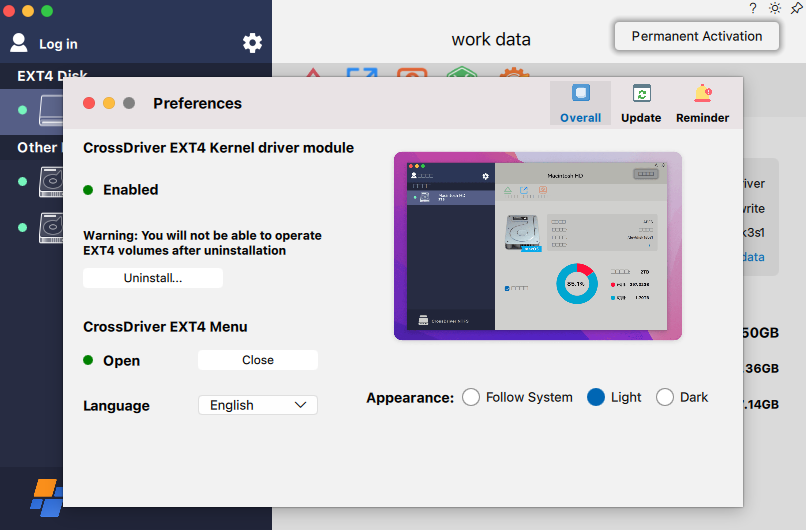
Go to the settings page, find the "Uninstall" option, and click to start uninstalling.
-
3
Uninstall Completed
Follow the uninstaller to complete the uninstallation.
Why Choose It?
Enable XFS read/write access immediately
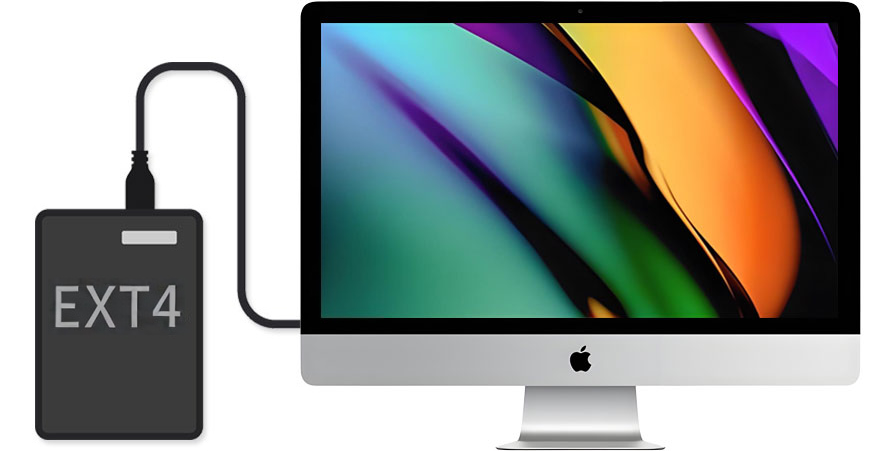
Plug and Play: After installing the driver, no complex configuration is required. XFS disks can be read and written on macOS with near‑native experience. One‑Click Mount: Quickly enable/disable and manage mount status from the menu bar, convenient for switching between multiple disks. Stable Compatibility: Designed for common Linux XFS partitions, balancing reliability and performance for seamless collaboration between Mac and Linux drives.
Mount Linux XFS partitions as local drives
When macOS starts or restarts, the tool can automatically mount Linux XFS volumes according to settings, and display them in Desktop/Disk Utility. Managing mounted XFS drives is similar to managing local drives. You can perform common file operations on XFS drives, such as drag‑and‑drop file moves, file synchronization, and cross‑platform data copying.
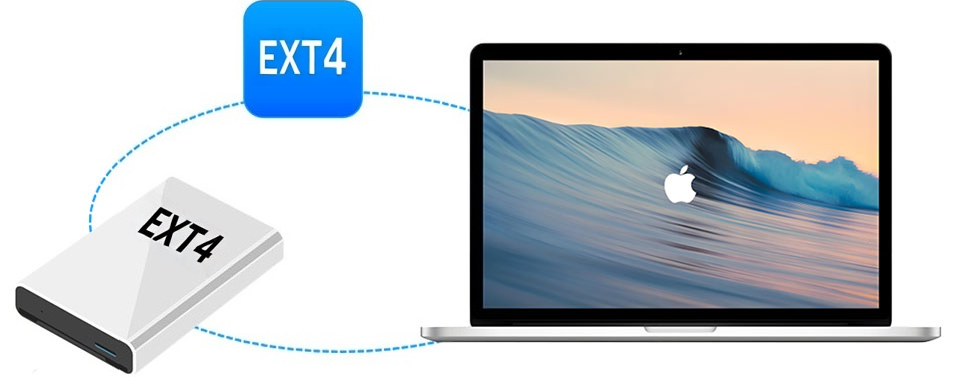
Compatible with all brands of external hard drives
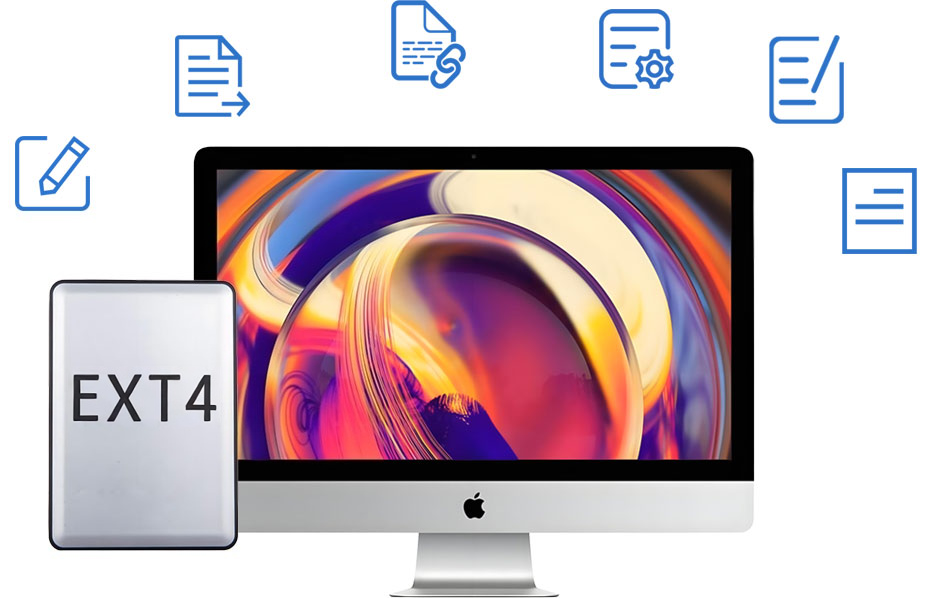
In the Linux ecosystem, external drives, NAS dismantled disks, and data disks from Raspberry Pi/development boards often use the XFS file system. CrossDriver XFS supports almost all brands of external hard drives and common storage media, including Samsung, Western Digital, Seagate, Toshiba, and more.
Compatible with macOS and OS X
By default, macOS lacks full native read/write support for the Linux XFS file system, which means you may only access it via command line or third‑party tools, with limited write capability. CrossDriver XFS for Mac provides stable XFS volume access and read/write capability for macOS 26 (Tahoe), Sequoia, Sonoma, Ventura, Monterey, and other versions; it also strives to offer compatibility solutions for earlier OS X systems (support available via email if needed).
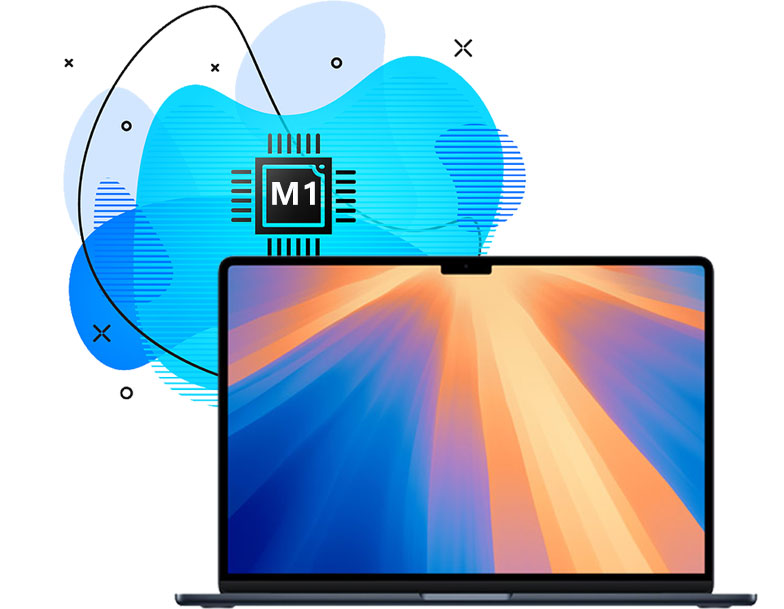
Fully compatible with Apple M1/M2/M3/M4/M5 chips
Apple’s M‑series chips are based on the ARM architecture, while macOS does not provide full native read/write support for the XFS file system. To stably access XFS‑formatted disks on Macs equipped with these chips, third‑party software is usually required. CrossDriver XFS supports macOS from 10.13 High Sierra up to the latest macOS Sequoia/Tahoe, with optimization for Apple Silicon.
Support managing XFS drives on Mac
In macOS’s built‑in Disk Utility, XFS volumes usually cannot be directly used in writable mode like common file systems. This program provides more user‑friendly mounting, unmounting, and basic management capabilities, helping you use Linux XFS partitions more smoothly on Mac. (Formatting/repair functions depend on the software features; it is recommended to back up important data before performing such operations.)

Easier cross‑platform data exchange
If you need to exchange files between Mac and Linux (for example, copying data from a Linux server/development board or writing materials back to an XFS data disk), CrossDriver XFS for Mac provides a more direct read/write experience, reducing the cost of repeated transfers and format conversions.
Compare and select
To help you better understand and choose the right software, we provide the following comparison table. You can decide which software offers safe, stable, and fast read/write access to XFS drives on your Mac.
XFS for Mac Read/Write Software Comparison (Comprehensive Review)
| CrossDriver XFS For MAC |
Paragon xfs |
fuse-xfs | XFSfuse | |
|---|---|---|---|---|
| Architecture | Kernel‑level driver | Kernel‑level driver (closed source) | User Space (FUSE) | User Space (FUSE) |
| Read/Write Support | Full Read/Write | Full Read/Write | Read/Write (requires -o force option) |
Read‑only |
| Key Features | High performance, Transparent access, Graphical management support for LVM (Logical Volume Management) |
High performance, Transparent access, Graphical management |
High performance, Transparent access, Graphical management |
Lightweight, Read‑only support |
| Supports macOS 26 Tahoe | √ | √ | √ | √ |
| Supports macOS 15 Sequoia | √ | √ | √ | √ |
| Supports macOS 14 Sonoma | √ | √ | √ | √ |
| Compatible with Apple silicon-based Macs (M1/M2/M3/M4 chips) |
√ | √ | √ | √ |
| Provide XFS format option | √ | √ | √ | √ |
| Rapid data transfer speed | √ | √ | × | √ |
| Auto-mount | √ | √ | √ | √ |
| Easy to install | √ | √ | × | × |
| Easy to uninstall | √ | √ | √ | × |
| File user permission control | √ | × | × | × |
| VM file support | √ | √ | × | × |
| Support the latest XFS features | √ | × | × | × |
| Repair XFS partition | √ | √ | × | × |
| Optimize SSD disk | √ | × | × | × |
| Single Disk Direct Mount | √ | × | × | × |
| Extract Data from RAID 1 Mirror | √ | × | × | × |
| support for enterprise-level LVM partitions | √ | × | × | × |
| License | Commercial Software | Commercial Software | GPL | BSD |
| Suitable for | General Users Daily use requiring stable, high‑performance read/write |
Daily use requiring stable, high‑performance read/write |
Open‑source Enthusiast Light read/write requirements |
Only need to view or copy files |
Secure and fast XFS driver solution
If you want to know how to use XFS external drives/partitions on Mac, a fully featured assistant is your best choice.
It is not just a secure and efficient Linux XFS driver, but also provides a more user‑friendly disk management experience.
Don’t hesitate. Try the XFS driver for Mac Sequoia/Tahoe, and make cross‑platform data handling easier.
It is not just a secure and efficient Linux XFS driver, but also provides a more user‑friendly disk management experience.
Don’t hesitate. Try the XFS driver for Mac Sequoia/Tahoe, and make cross‑platform data handling easier.
Outstanding features
| Features | Advantages |
|---|---|
| Supported Mac devices |
|
| Supported storage media |
|
| Supported operating systems |
|
| Technical specifications | Applicable to 64‑bit kernel mode macOS 10.13 or later and Apple Silicon Mac. System extensions may need to be enabled when installing CrossDriver XFS for Mac. |
| Supported file systems | XFS (latest features) |
| Performance | Provides a near‑native file management experience, suitable for daily copying and cross‑platform data exchange |
| Auto‑mount | CrossDriver XFS for Mac can automatically mount, eject, mount, and unmount external XFS drives according to settings. It can also detect and notify volumes that are unsupported or in abnormal states. |
| Disk Management | The CrossDriver XFS for Mac mounter can automatically mount XFS‑formatted drives at system startup according to settings, facilitating multi‑disk management. |
| Third‑party software compatibility | Compatible with most third‑party encryption applications, antivirus programs, virtualization software, and Mac performance optimization tools (actual compatibility depends on the environment). |
Resources